
How to Search Cases by Name
Route first, then search. That is the whole trick to a name search in Coshocton County. There is no broad Ohio sweep. Nothing replaces the local court docket systems. General Division criminal and civil cases go through the Common Pleas route. Domestic Relations matters ride along there too. Misdemeanors, traffic tickets, ordinance violations, and municipal civil cases live in Municipal CaseLook. Probate CaseLook handles probate files. Juvenile records can be limited, so expect tighter access there. When a case number is known, use it, since it pinpoints one file. A name search still earns its keep when the number is a mystery. It reveals the court and the case type.
- Read the paperwork or caption to identify the court that owns the case.
- Open that court’s official record-search path and accept any required agreement before entering search information.
- For Municipal CaseLook, choose either the business-name mode or the individual-name mode, then review the returned court and case type before opening a result.
- Read the current case number, caption or parties, court, filing date, status, and events that the result displays. Confirm urgent uncertainty with the custodian.
The controls described here come straight from the public search interface. The Common Pleas live portal does not allow anonymous use, so its labels and menu options are left unstated rather than guessed.
| Portal | Field/control | Type | Required | Options/format notes |
|---|---|---|---|---|
| Common Pleas Online Records System | Case/name search fields | live portal unavailable to inspection | unspecified | Clerk confirms the linked system searches case dockets/indices; do not state unverified labels/options. |
| Municipal CaseLook | Search Court Records acceptance/Continue | link/button | required before search | Agreement screen precedes the form. |
| Municipal CaseLook | Business Name | text | optional/conditional | Site JavaScript shows business-name entry suppresses individual-name fields. |
| Municipal CaseLook | First Name / Last Name / Middle Initial / Suffix | text | optional/conditional | Site JavaScript identifies these search-form fields; business and individual modes are mutually exclusive. |
| Municipal calendar | Month | dropdown | unspecified | January through December. |
| Municipal calendar | Year | dropdown | unspecified | Observed choices 2006 through 2046. |
| Municipal calendar | Attorney | dropdown | optional | “All” plus a large list of attorney choices; do not reproduce private names. |
| Probate CaseLook | Continue acceptance | link/button | required before search | Disclaimer says records may lag at least 24 hours. |
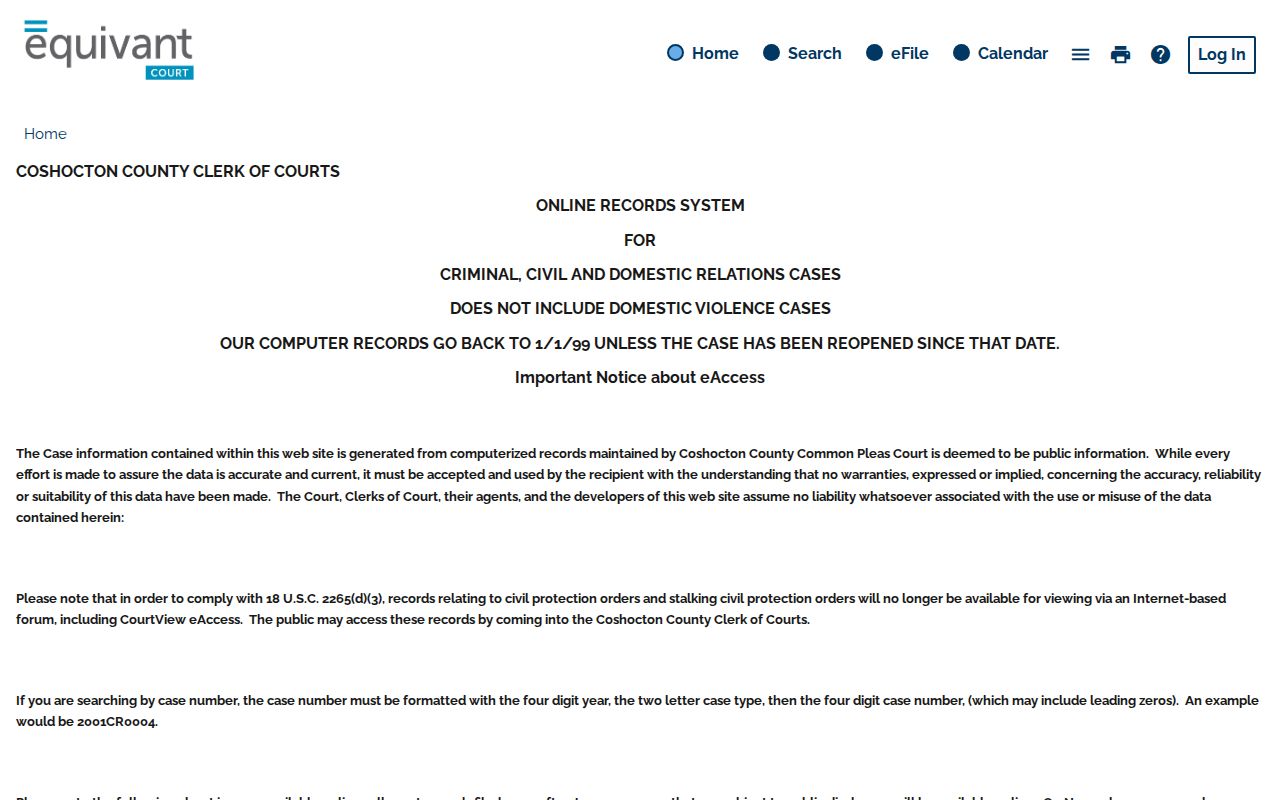
The Clerk’s Records Search page spells out what the Common Pleas case-docket search covers and how far back it reaches.
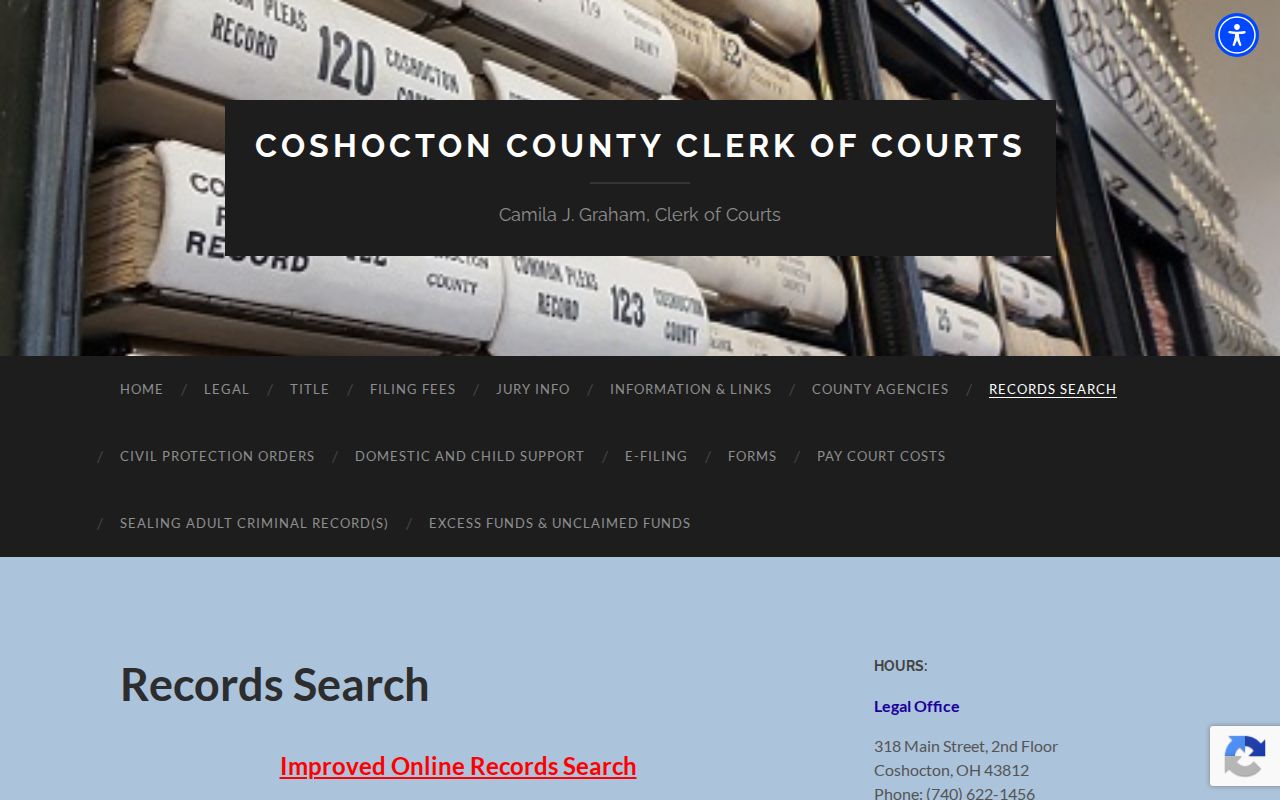
That official page identifies the route without supplying unverified live-form labels or result columns.
Coshocton County Case Lookup Starts by Court
Ohio has no single statewide case-docket portal that stands in for the local systems. Every Coshocton County case lookup starts with the court level. The Coshocton County Clerk of Courts Legal Office keeps General Division criminal and civil records. It also supports Domestic Relations electronic files. Municipal Court holds its own criminal, traffic, and municipal civil dockets. Probate and Juvenile keep separate records. They also use separate request channels. That split trips up plenty of people. A traffic citation or misdemeanor belongs in the Municipal Court path. A county origin does not change that. A felony can start in Municipal Court. It can move to Common Pleas later. The same matter may surface in both places at different stages. Check the court named on the paperwork and start there. The Ohio trial-courts directory maps the local court structure.
The statewide directory is a court-routing resource, not an all-case search database.
Coshocton County Case Lookup Modes
Municipal CaseLook opens through its official gateway, labeled Search Court Records. An agreement screen appears before the search form does. The form offers two paths. They cannot be mixed. Search by Business Name, or use the individual fields for First Name, Last Name, Middle Initial, and Suffix. Picking a business entry blanks out the individual-name boxes. None of this says anything about result columns, filters, exports, or what documents cost. Check any result for court and case type. Do that before treating it as the right one. Municipal CaseLook is separate from the court’s monthly calendar. That calendar is built for hearing dates. It uses Month, Year, and an optional Attorney control. Electronic records for a recently changed municipal case carry a published 24-hour update warning. When the display is unclear, call the Municipal Clerk at (740) 622-2871 to confirm.
How to Search by Case Number
Type the full case number exactly as it appears on the paperwork or a prior court entry. One number lands on one file far more reliably than a common name does. There is no confirmed universal numbering pattern shared by Coshocton County Common Pleas and Municipal files. Treat any countywide formula with doubt. Portals may format, search, or display numbers differently. Confirm what the current interface wants instead of adding punctuation or inventing a case-type code. One official Municipal traffic illustration shows how a single citation can spawn lettered numbers for separate charges. The examples are TRD10000001A, TRD10000001B, and TRD10000001C. That pattern fits multi-charge traffic numbering only. It is not a general format for Common Pleas, Probate, Juvenile, or other Municipal files. Once a number pulls up a case, compare the caption, the court, and the event history. Rely on it only then.
Coshocton County Case Lookup Before 1999
Common Pleas electronic records reach back to January 1, 1999, unless a case was reopened. For older civil matters, the Clerk posts historic indexes covering 1811-1968, 1958-1992, and 1993-1999. An index is a finding aid, a pointer toward a case or volume. It can locate an old civil matter. It does not promise a scanned image online. For a pre-1999 record, start with the index. Identify the case there. Then contact or visit the Clerk for direct access or copies. The Clerk states that old images are not online. Staff cannot supply them for genealogy research. Physical inspection or a paid genealogy researcher may be the only route to historic material. A reopened older case can show up in the electronic system. Do not treat a missing result as off limits. Note: A historical index can lead to a record. That is not proof every document is publicly imaged.
What a Case Search Shows
Think of a public result as an index card for a case. The parts worth reading are the case number, the court or division, and the caption or party roles. The filing date matters too. So do the status or disposition and the dated case events. Each Coshocton County court labels this material its own way. Common Pleas calls it "case dockets and indices." Municipal Court names its gateway "Search Court Records," while Probate goes with "Record Search." Three different local interfaces, in other words, not one uniform Ohio layout.
| Case number | The court’s unique identifier and usually the strongest key when it is known. |
|---|---|
| Court or division | The custodian that owns the case and determines the correct follow-up channel. |
| Caption or parties | The case style or role information shown in the result, useful for checking a match. |
| Filing date | The date an initiating action or document was received or filed; it can differ from later posting or ruling dates. |
| Events and setting | Dated entries for filings, notices, hearings, orders, or other recorded activity when displayed. |
| Status or disposition | The displayed open, closed, resolved, or procedural outcome information, if the portal shows it. |
The Clerk posts a fair warning: public data can lag behind updates and rulings not yet entered into the system. So treat a result as a tracking aid only. A certified copy has to come from the record custodian.
Coshocton County Case Record Limits
Common Pleas puts Criminal, Civil, and Domestic Relations case dockets and indices online. Coverage runs for the stated date range. Document images may be open to the public for filings dated on or after November 1, 2019. Ohio law can still block access. That date is a floor, not a promise. A docket entry can sit there with no public image attached at all.
Domestic Violence cases stay out of the Clerk's public online records search. A blank result does not mean no case exists. Sealed, expunged, juvenile, protected, and otherwise restricted records carry the same caution. When a needed document is missing, use the custodian's counter, phone line, or written records-request process rather than treating the online search as the whole file.
County vs Statewide Case Search
Ohio has no unified public case search. Nothing statewide can be compared with a countywide local docket. The two are not the same service. The state does offer court directories, local-rules links, and aggregate caseload dashboards. Those help you identify a court or understand court administration. They will not return an individual case docket. That docket is held by the Coshocton County Clerk, Municipal Court, or Probate and Juvenile Court.
| Ohio statewide resources | Coshocton County court channels |
|---|---|
| Court directories, local-rules links, and aggregate statistics. | Common Pleas records search, Municipal CaseLook, and Probate CaseLook. |
| Helps identify a court or locate statewide court information. | Routes a known local matter to its docket or record index. |
| Does not replace a local all-case record portal. | Each channel has its own scope, access limits, and update cautions. |
Coshocton County Case Lookup Fallback Chain
When the online search stalls, work the court's own fallback chain. Begin at the named portal. Then contact the right Clerk or court office. Ask for direct access or copies. File a written public-record request for anything older or absent. The Common Pleas Clerk posts both a Public Records Policy and a Request For Public Information form. For records predating online coverage, historic indexes and physical inspection are part of the documented route.
The Common Pleas counter is on the second floor. It is the Clerk Legal Office, in the courthouse at 318 Main Street, Coshocton, Ohio 43812. There you can search electronic court records just as staff do in the office. Call (740) 622-1456 to reach it directly. Municipal and Probate/Juvenile requests belong with their own custodians, not the Common Pleas Clerk. Ask about copy, certification, delivery, and status details before submitting a specialized request. No universal local search fee or turnaround applies.
The Clerk information and links page gathers the Common Pleas records policy, request form, retention schedule, and local rules in one place.
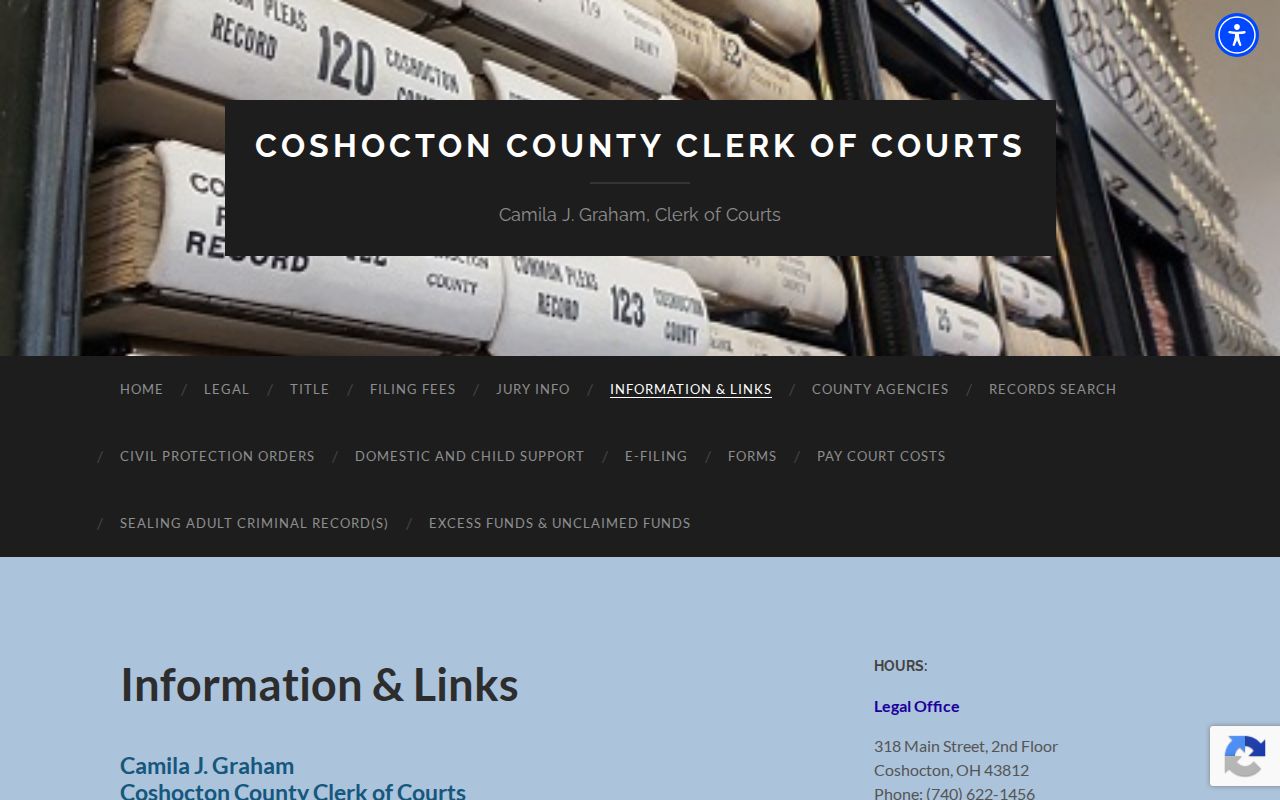
Fallback support: those official links back the custodial request route whenever a public portal result comes up short or unavailable.
Restricted Cases and Access Rules
Ohio Superintendence Rule 45 presumes access to court records. The presumption is still subject to restrictions and access limits. Ohio Revised Code 2303.12 governs Common Pleas clerk records and remote access. Ohio Revised Code 2303.901 requires personal identifiers to be left off dockets, indices, and filed documents. It also shields identified restricted material. Together these rules explain the gap. A public result can show less than the custodian's full case file.
Sealed or expunged records can drop out of ordinary public and index access. That happens once a qualifying court order enters. Juvenile files face added limits. So do protected domestic material, medical or counseling records, and similar restricted items. A request cannot override a court order or access rule. For an official copy of an available record, ask the custodian about a certified copy. For a sealed-record question touching your own matter, use the court's forms. Appropriate legal help matters there too.
Coshocton County Probate Case Lookup
Probate CaseLook runs on its own acceptance screen and records search. Its disclaimer warns of a delay. At least 24 hours, and possibly longer, can pass between a filing or judicial action and the online posting. Verified information, the court says, takes a court request or a visit during regular hours. So a fresh Probate result is a lead. It is not final proof of a filing or hearing.
Probate and Juvenile work from a separate office at 426 Main Street. Probate answers at (740) 622-1837; Juvenile at (740) 622-8969. Some Juvenile matters demand identification or party status because access is restricted. Confirm any result, or any no-result, with the responsible court. Do not draw conclusions about a protected file.
The official Probate CaseLook gateway puts the court's posting-delay notice on screen. It does that before any search proceeds.
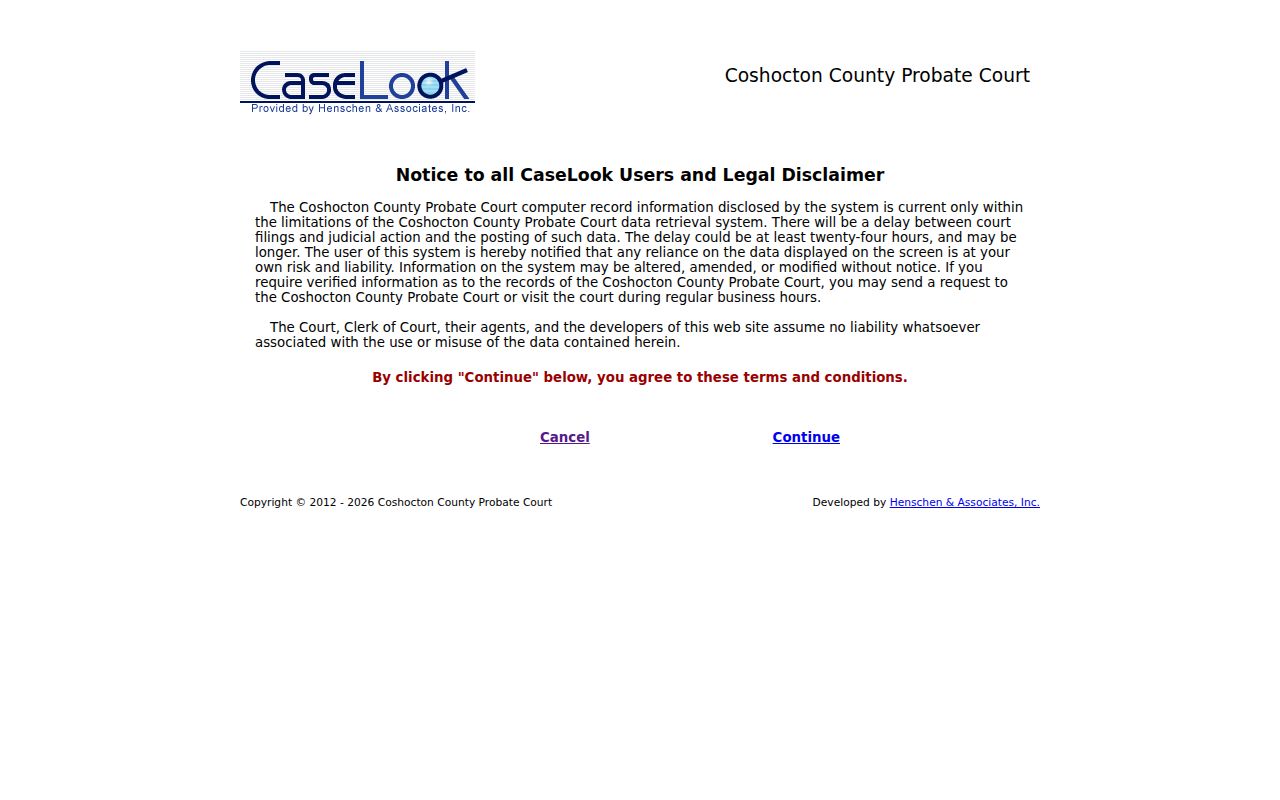
Probate keeps its own separate interface. That split is one reason a county case lookup must be routed by court before a name or number goes in.
Coshocton County Case Lookup and eServices
Coshocton County Common Pleas eServices is built for lawyers, not for the general public. It handles attorney filings and electronic service. Pro se litigants cannot use it at all. An attorney starts by contacting the Legal Office. Any attorney new to the system then registers through eServices and clicks a time-sensitive email verification link to activate the account. From there the workflow is straightforward: pick a new-case or subsequent-filing request, fill in the case and party fields, upload the required document. Then pay the filing fees. Motions go up as PDFs. Proposed entries and orders travel as Word files carrying the judicial signature token for that judge.
That means a fresh filing may sit in the workflow for a while before it ever shows up as a public docket entry on the Clerk's records search. The Clerk's records search remains the public case-search route for eligible Common Pleas cases. Having a filing account does not open protected material to a person either. The Coshocton Common Pleas eServices gateway is where the county's electronic filing system officially begins, and that page shows the attorney registration and filing screens the court runs.
In Coshocton County, eServices is a filing channel, and it sits apart from the public records search.
Coshocton County Case Lookup Civic Use
Think of a docket as a civic reference tool, not a verdict. A Coshocton County case lookup can help you track one case, find a hearing date, sort out the order of filings, dig into local history, or watch a matter of public interest. Just read results with care. A docket lists events in time order. It may not tell you why a judge entered a particular order. When a term confuses you, check the court's own materials or ask a qualified attorney instead of guessing that a status label settles the question.
Need a record that holds up officially? Ask the court that keeps it for a certified copy. The County Clerk, the Municipal Clerk, and the Probate/Juvenile office each hold records only within their own jurisdiction. Respecting those lines keeps a lookup accurate and protects the rules that guard restricted files.
Note: A public docket helps you understand a specific court matter, but it may be incomplete, delayed, or restricted by law.